Speak. Type. Keep going.
One keyboard for voice, English and Chinese Pinyin typing on iPhone and iPad.
Available now on the App Store for iPhone and iPad. Android is in private testing. See platform requirements.
Use your voice when it is easier
Tap the microphone to start, then tap again to finish. Saybird places the cleaned text when you stop, with nothing typed while you are still talking. You always review and decide when to send it. On iPhone and iPad, starting a recording session may briefly open the Saybird app to activate the microphone and return you automatically.
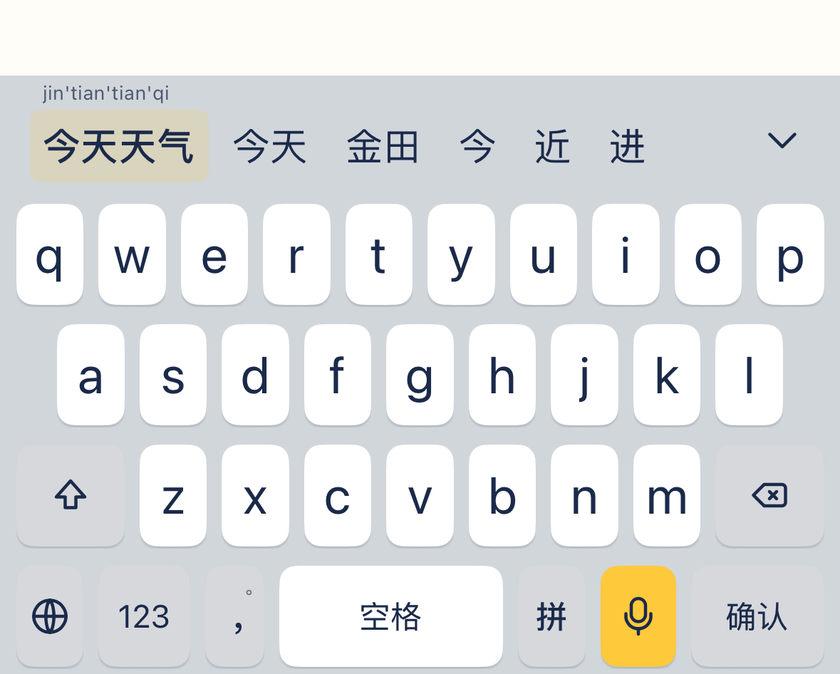
Switch to typing without leaving the keyboard
Switch to English or Chinese Pinyin typing whenever you need quick edits, names or a quiet reply. Candidate words, punctuation, number and symbol pages sit right alongside the voice button. Typing uses on-device models and works without sending your keystrokes to the cloud.
Translate when you need another language
Use the keyboard translation tool when you want what you say delivered in another supported language, including English, Chinese, Japanese, Korean, Spanish, French and German. Translation uses the cloud and counts toward your dictation allowance.
Upload a file and insert its link
Tap the upload tool in the keyboard to pick an image or file and insert its public link straight into your prompt or chat. File-link privacy and limits.
Works where third-party keyboards are allowed
Use Saybird in chats, email, notes, documents and AI apps. Password and secure input fields require the system keyboard. Voice recognition, cleanup and translation need an internet connection, and Saybird never sends messages automatically for you.